LIVE4WELL
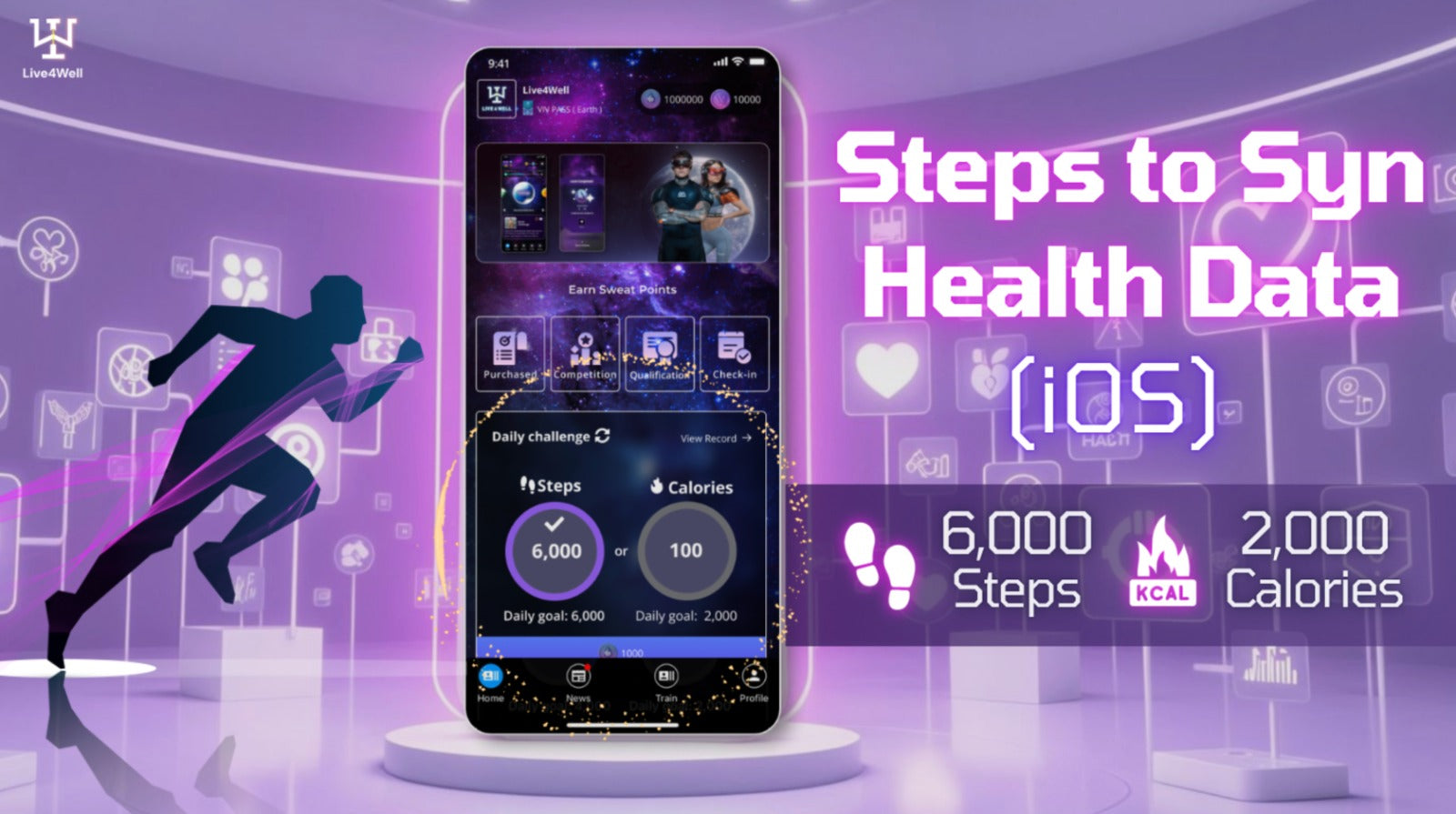
Tutorial of enabling the Health Data permission (iOS)Tutorial of enabling the Health Data permission (iOS)
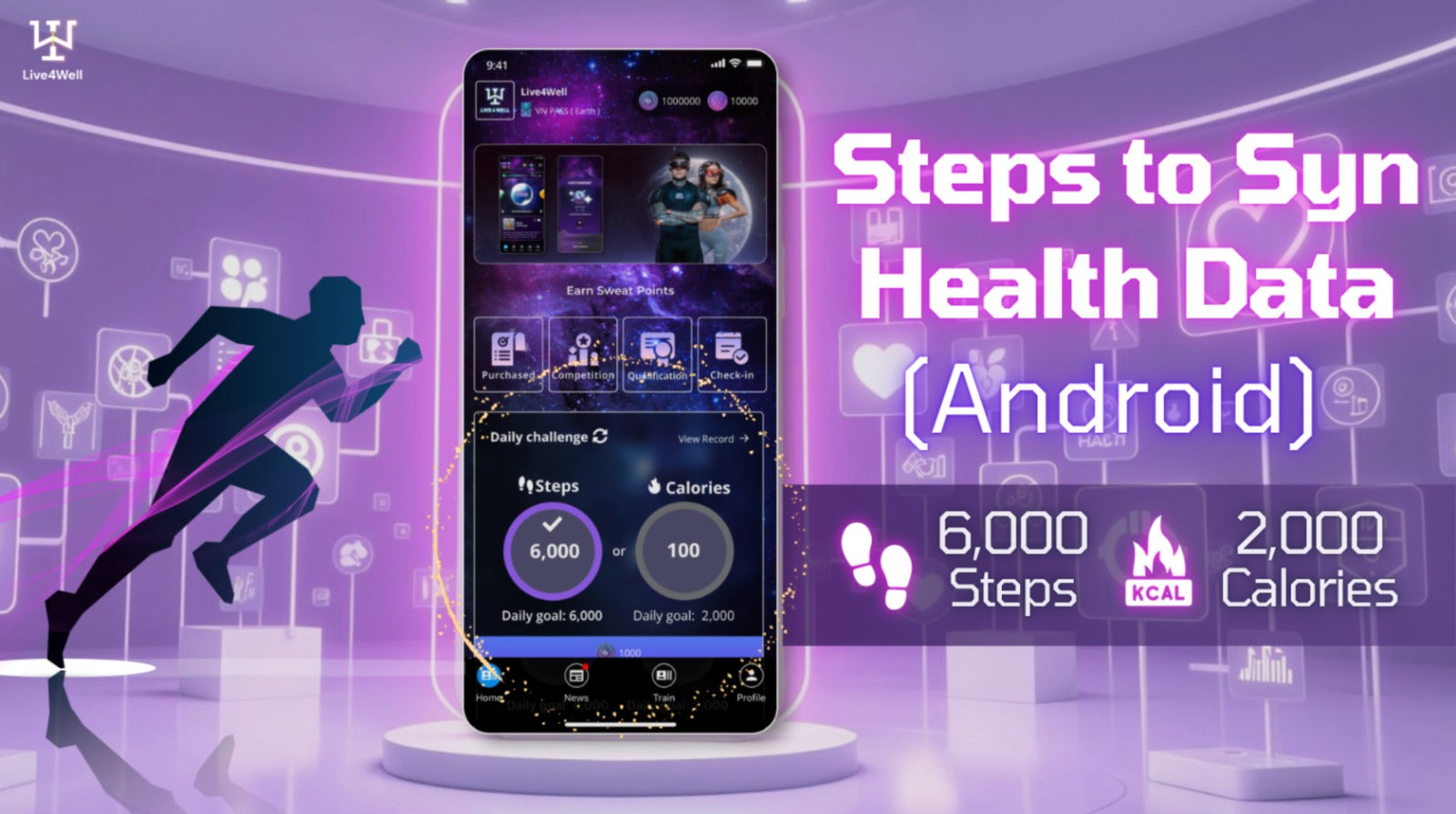
Steps to Syn Health Data - Android📲
1️⃣ Click “Permissions” in “Live4Well” App info page
2️⃣ Click “Health Connect”
3️⃣ Click “Allow All”
4️⃣ Health data will be updated every time you log in to the Live4Well App
⏮️ Check out the Andriod version tutorial
-
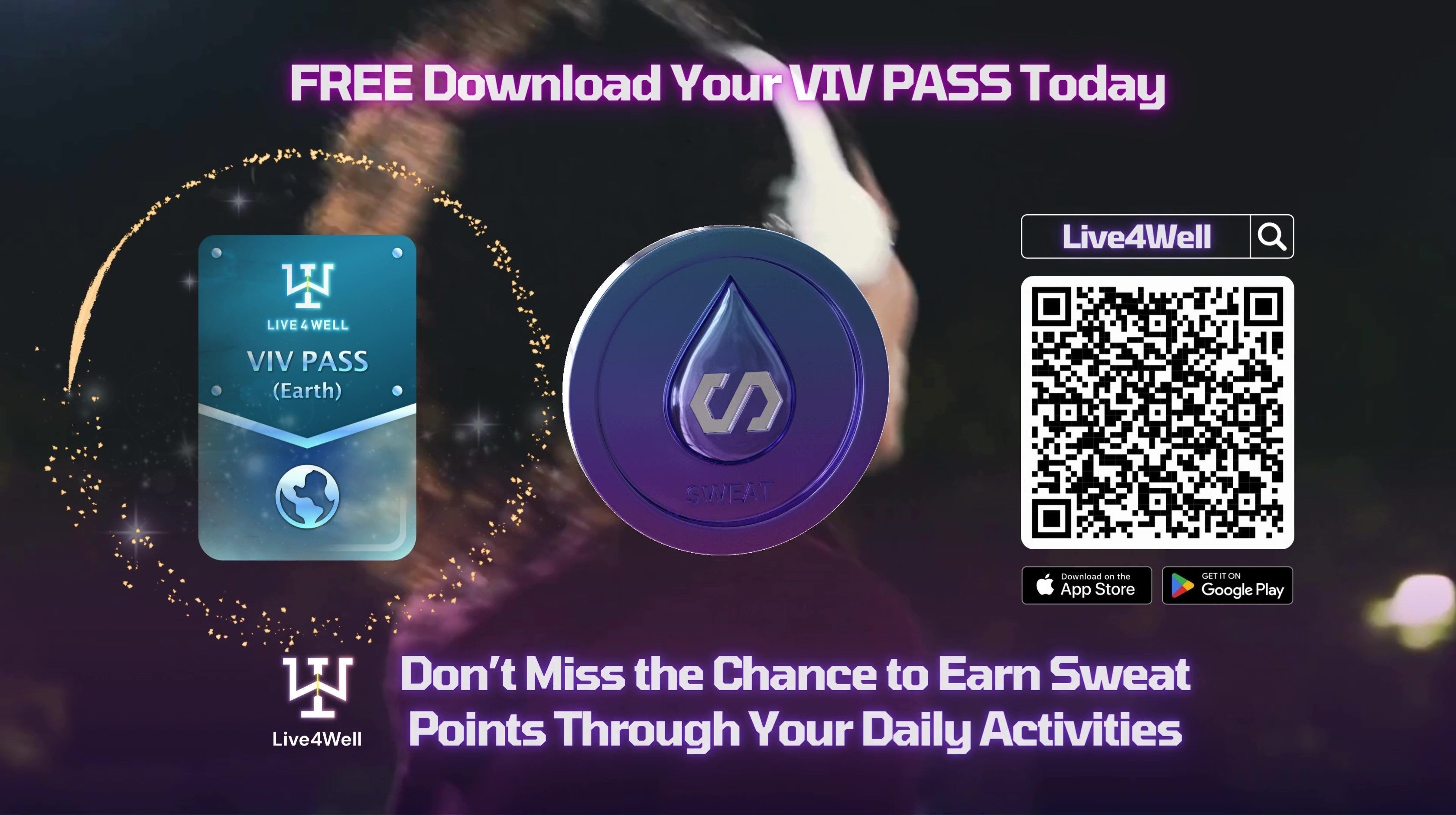
Download Live4Well App
1️⃣ Click “Permissions” in “Live4Well” App info page
2️⃣ Click “Health Connect”
3️⃣ Click “Allow All”
4️⃣ Health data will be updated every time you log in to the Live4Well App
⏮️ Check out the Andriod version tutorial
-
Download Live4Well App
Steps to Syn Health Data - Android📲
1️⃣ Click “Permissions” in “Live4Well” App info page
2️⃣ Click “Health Connect”
3️⃣ Click “Allow All”
4️⃣ Health data will be updated every time you log in to the Live4Well App
⏮️ Check out the Andriod version tutorial
-
Download Live4Well App
1️⃣ Click “Permissions” in “Live4Well” App info page
2️⃣ Click “Health Connect”
3️⃣ Click “Allow All”
4️⃣ Health data will be updated every time you log in to the Live4Well App
⏮️ Check out the Andriod version tutorial
-
Download Live4Well App
(此文尚待翻譯,暫顯示原文。)